Overview
Before DrawBot, all of my projects were programs. But then I started watching videos of cool robots on the internet (Boston Dynamics and Aaed Musa) and wanted in. Besides, I have a 3D printer and a butt ton of tools, so it would be a waste not to build something cool.
DrawBot is my first big project with hardware, and it’s one of my favorites so far. My goal is to eventually have the robot take in a photo of a sketch on paper, determine where the markings are on the paper, and then copy that drawing on a blank sheet.
There was just one problem with that goal: this is my first time building a full-blown robot, so everything that could possibly go wrong has.
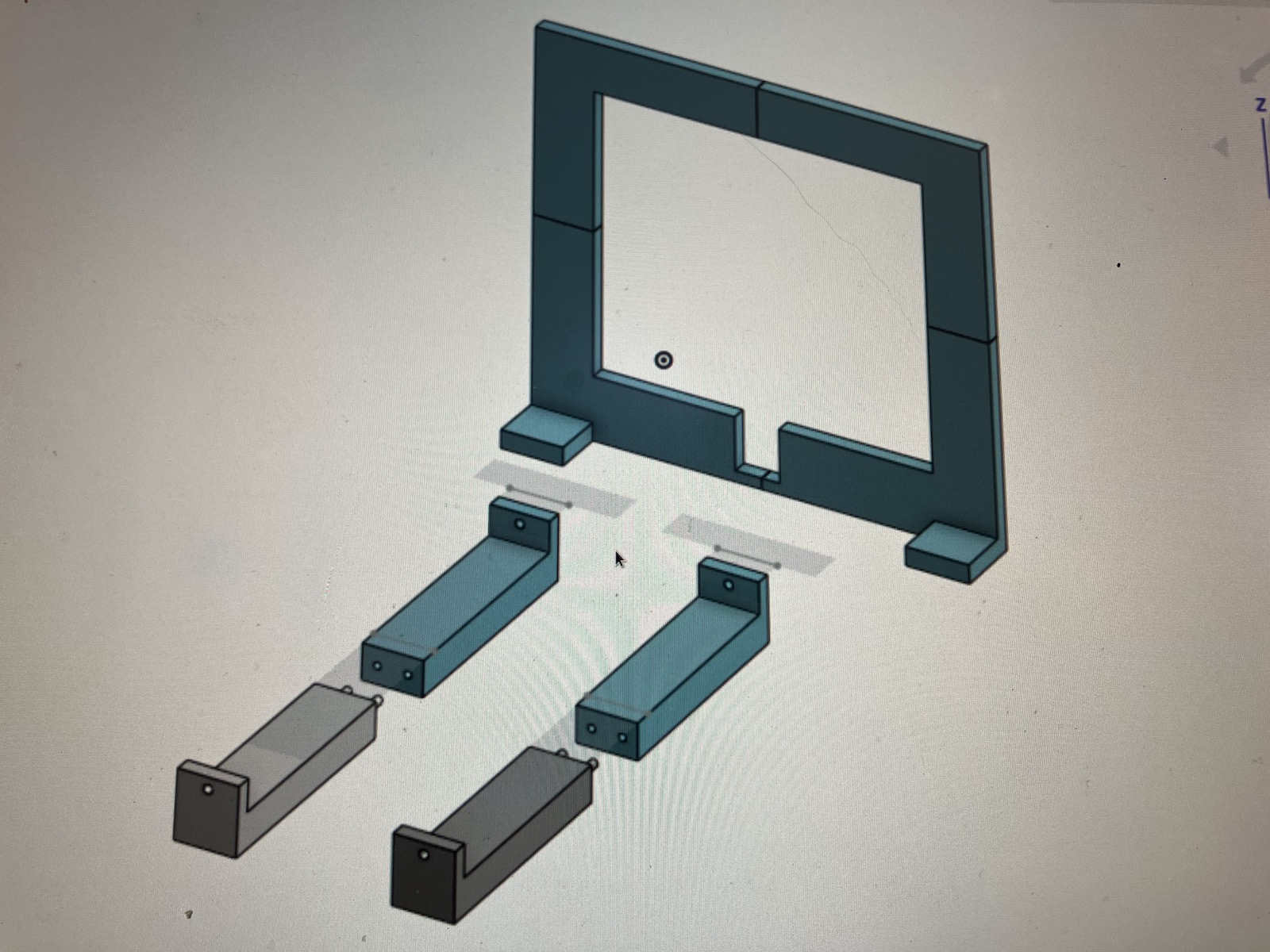
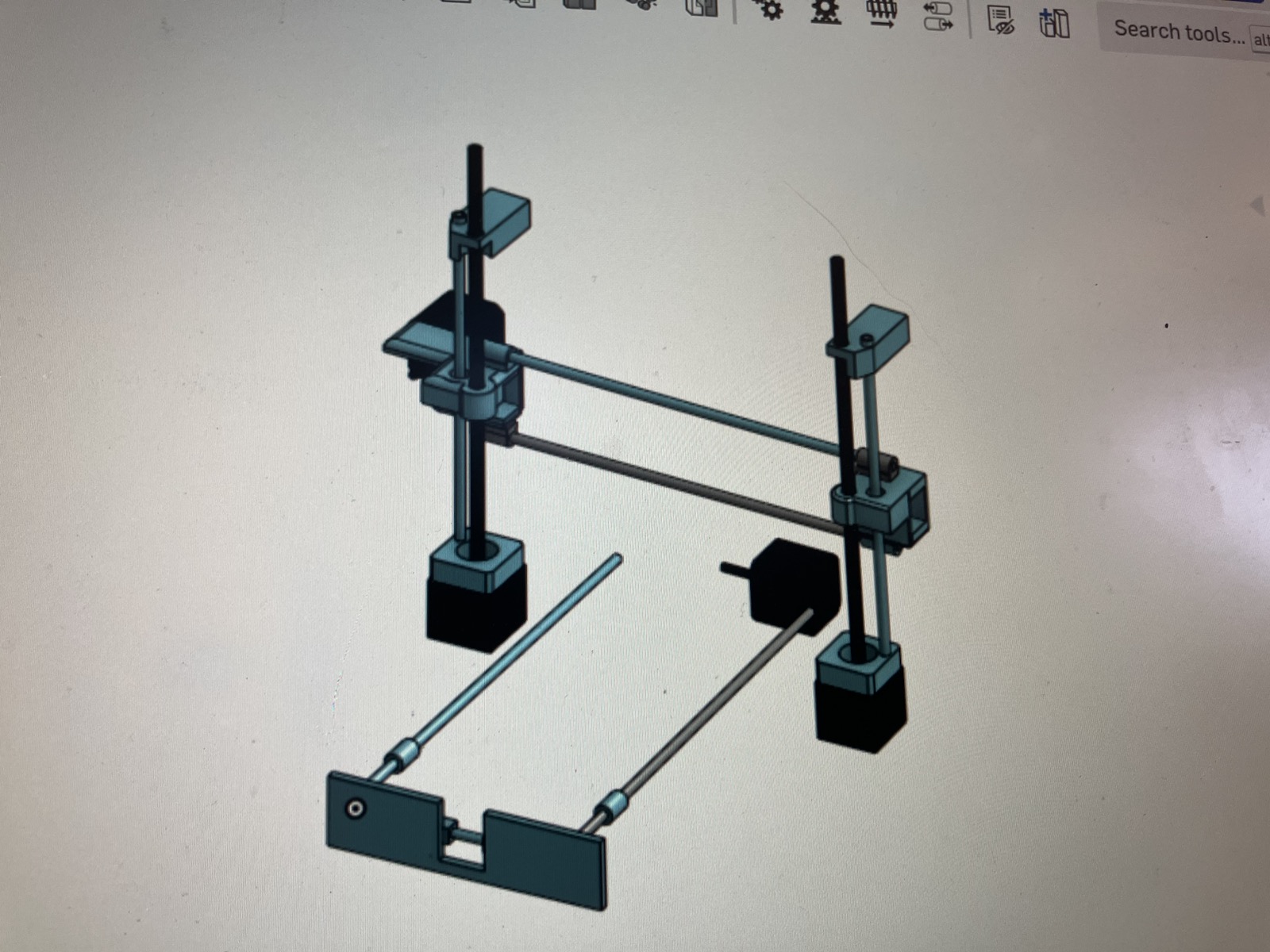
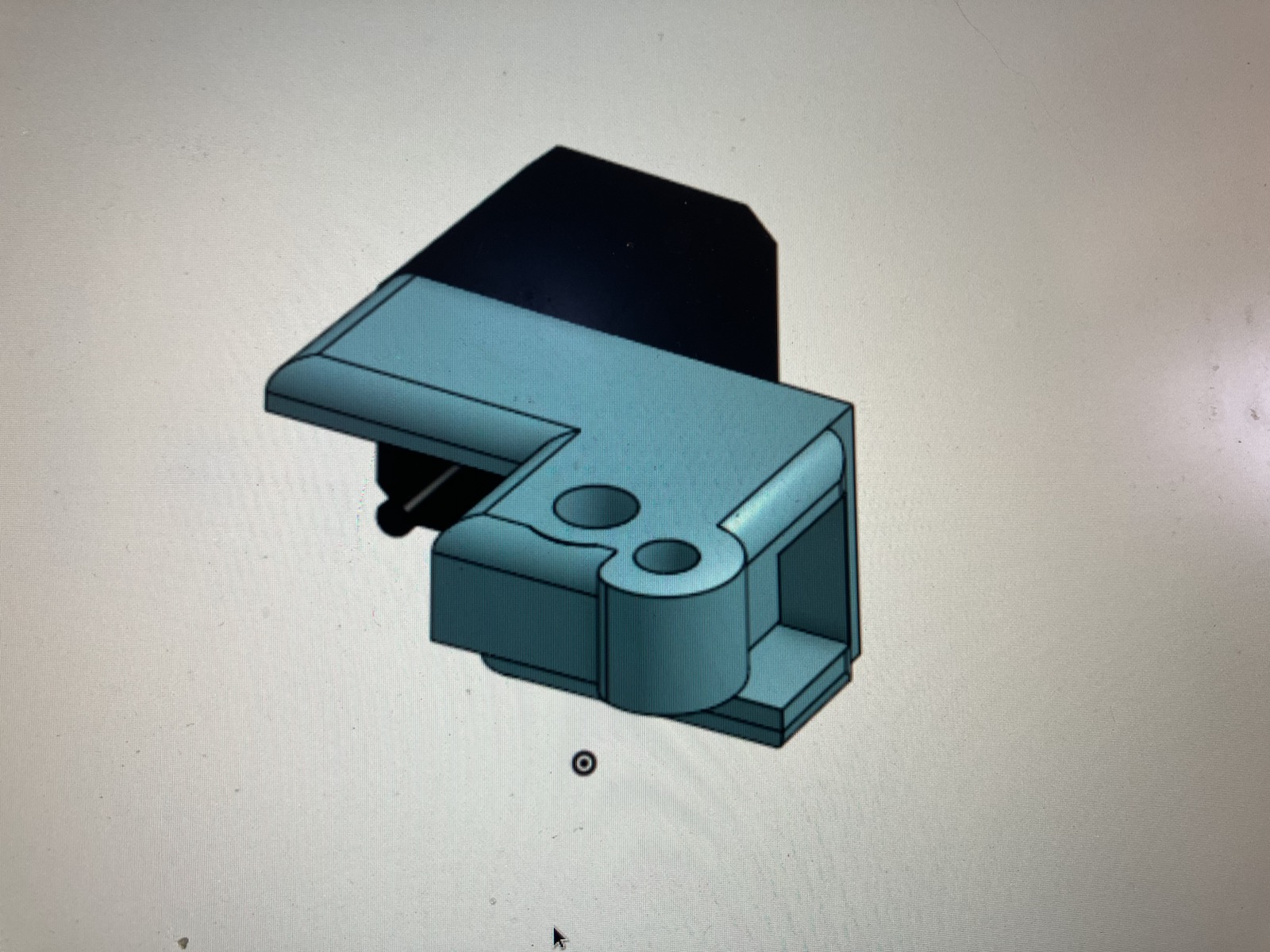
The CAD This was the easiest part of the project (as of today), because it’s the only part that is on the computer. Here in Imagination Land (ONSHAPE) everything is theoretical and perfect, needing no manipulation to remain perfect. Here are some examples of my CAD (I had WAY more than this…):
Paper Platform (The Beginning of the Real Stuff)
DrawBot is designed to work like a 3D printer, but instead of having a nozzle that shoots plastic it has a sharpie.
And like a 3D printer, it needs a platform that can move back and forth in the Y direction.
Sadly, my 3D printer is small. So I Needed to split the platform into several attachable parts:
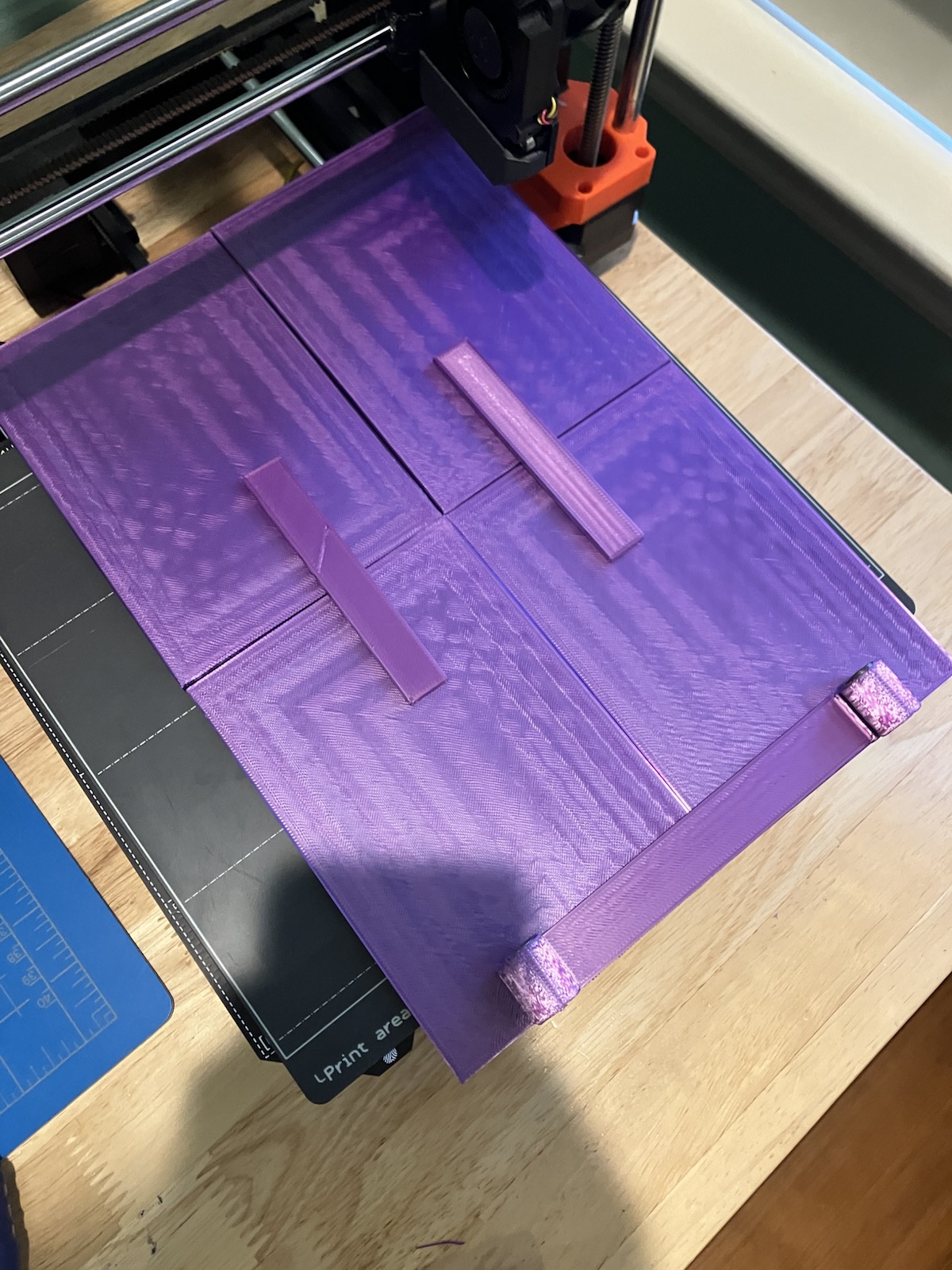
Before this project I defaulted to hot Glue as the ideal way of Keeping things together. That won’t slide for DrawBot (because it has a lot of Moving parts), so I started using screws finally. I learned how to drill holes into PLA for the first time.
For the platform specifically I also used puzzle preserver as a way to keep it from sagging with weight and time.
And after putting it on linear bearings and slapping on some steel rods, I had the Y Assembly (minus the motor) done:
The XZ Motor Assembly
Another way DrawBot is similar to a 3D printer is that it has two motors to move the extruder (the pen) up and down, with an attached X motor to move it left and right.
Here’s that CAD photo again to show the (theoretical) XZ Assembly:
(The bottom part is the Y Assembly, and the vertical part is what I’m talking about)
With it done on the computer, I just had to make it real:
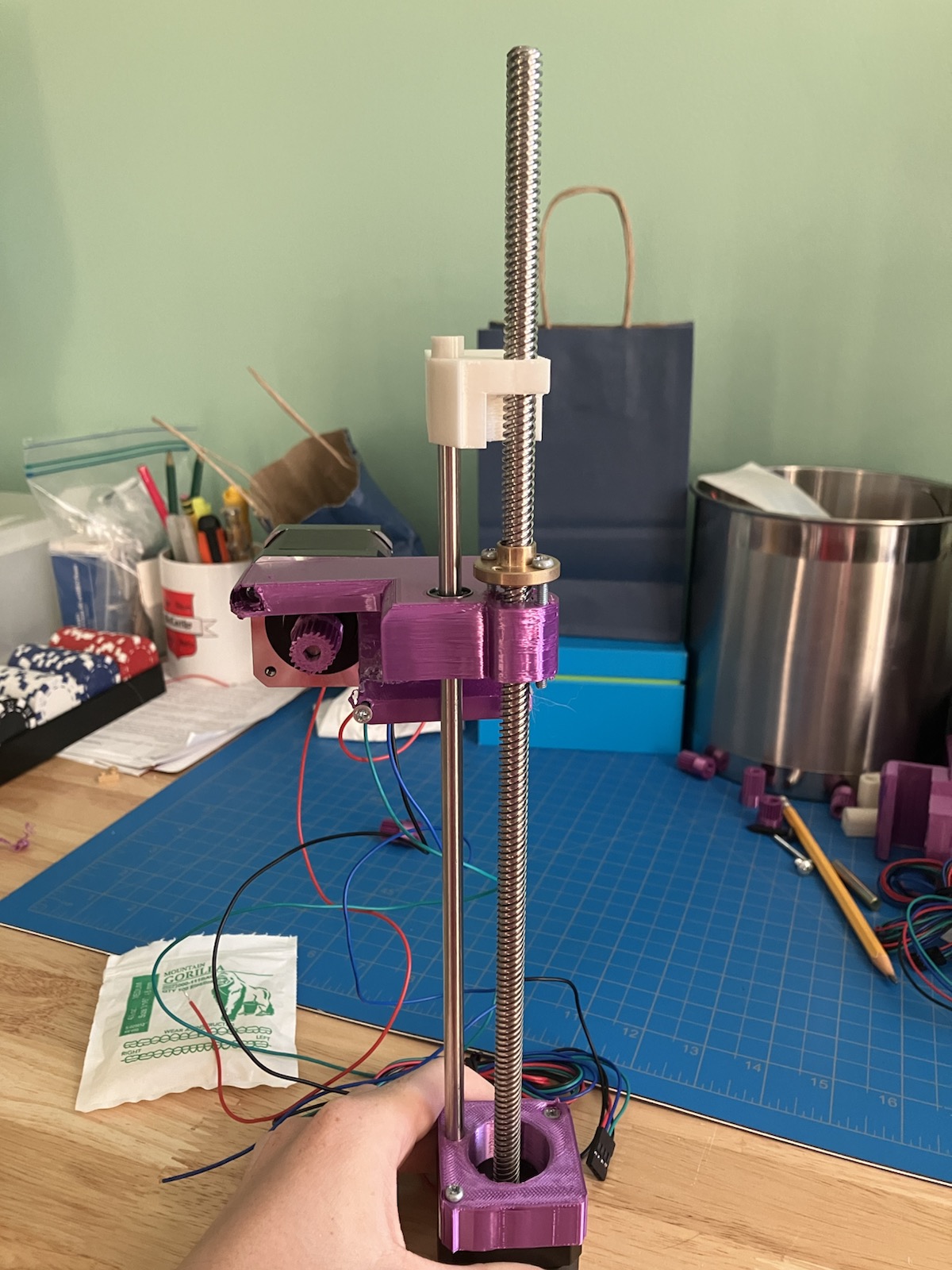
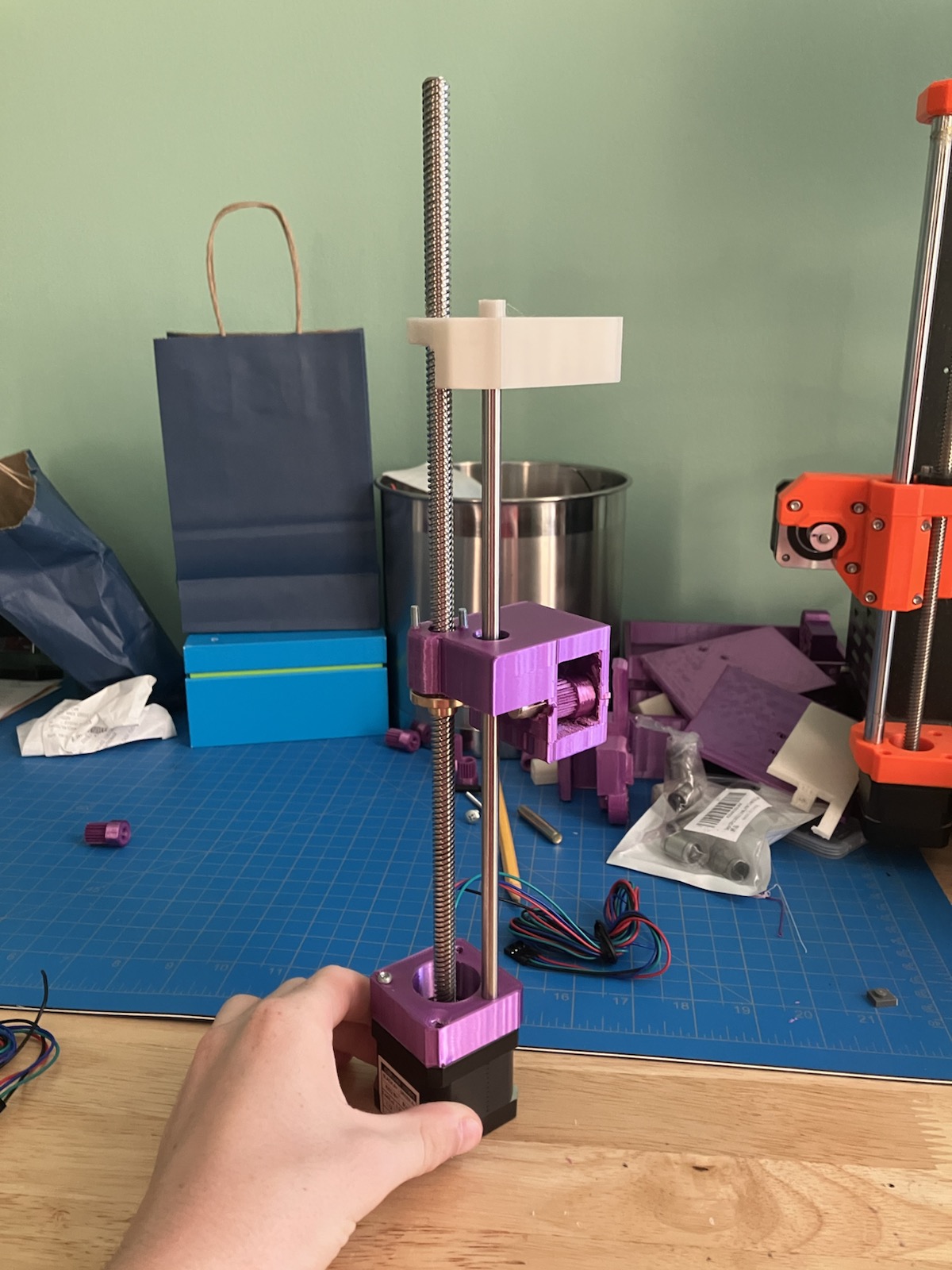
(The orange stuff on the right side are parts of my 3D printer, my inspiration for DrawBot’s design)
You can see two motors in the top photo, because one of them is the X Motor (left and right). I decided to 3D print the pulleys for the X direction instead of buying them to save money, and they spin pretty smoothly.
But this was also where I learned how bad I am at screwing things. I had to drill holes for the screws of the brass bits (the bits that allowed the assembly to move up and down whenever the Z motors spun), and that took way longer than it should have.
And that was only the beginning of my hardware problems.
Print After Print After Print…
When I ran out of the plastic I already had in the house, I got some fresh green PLA from the MicroCenter in Cambridge and started to print the frame:
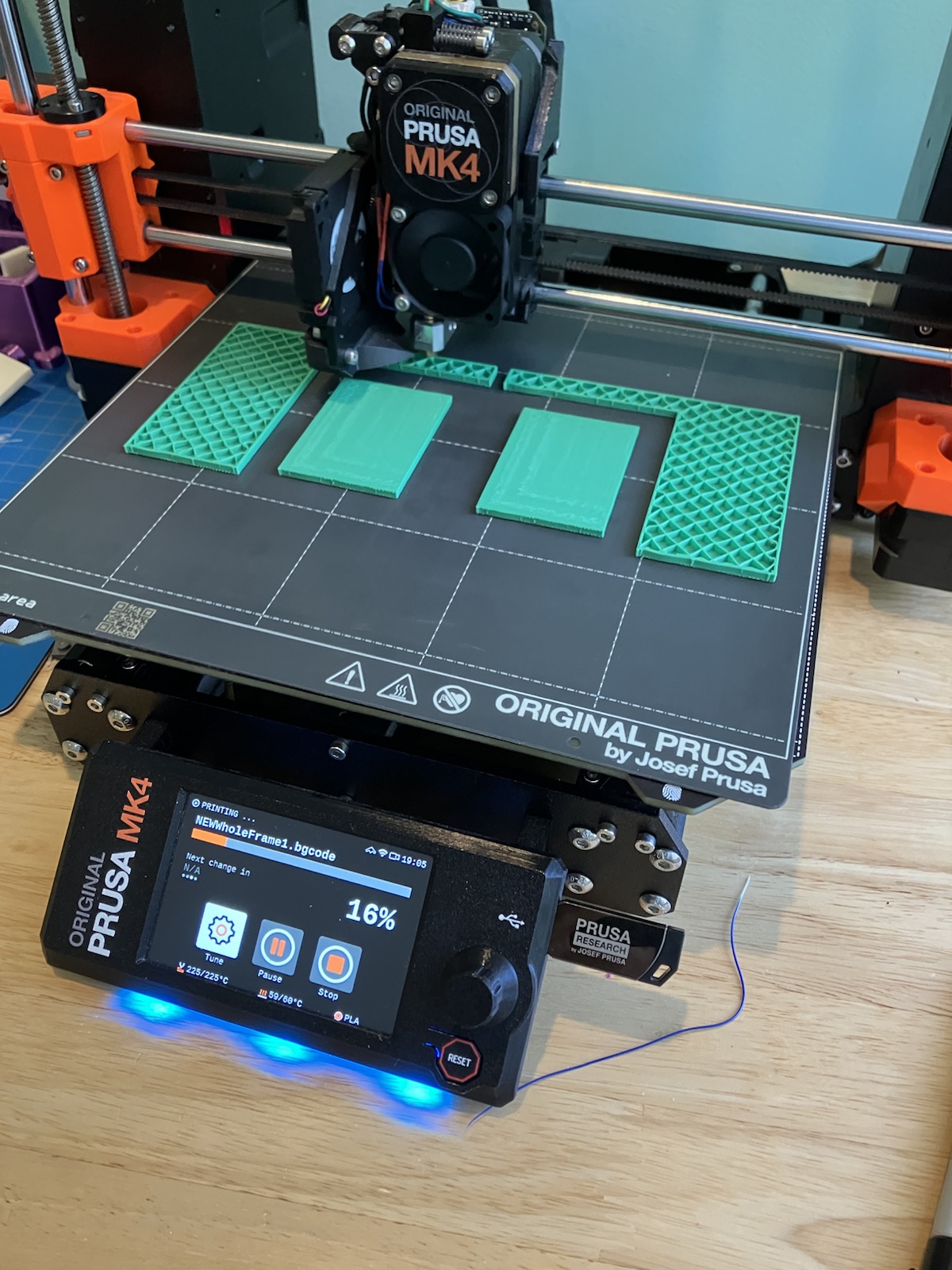
After all of the CAD was printed (a massive amount), here’s what the final frame of DrawBot looks like:
TAKE PHOTO!!!!!
There were several parts of DrawBot that I had to redesign and reprint. Though infuriating, it’s a good thing that I decided to print everything before making it absolutely perfect on the computer. The best way to find faults is by trying things out first, and I took that wholeheartedly.
There were a LOT of problems.
At one point my X assembly snapped:
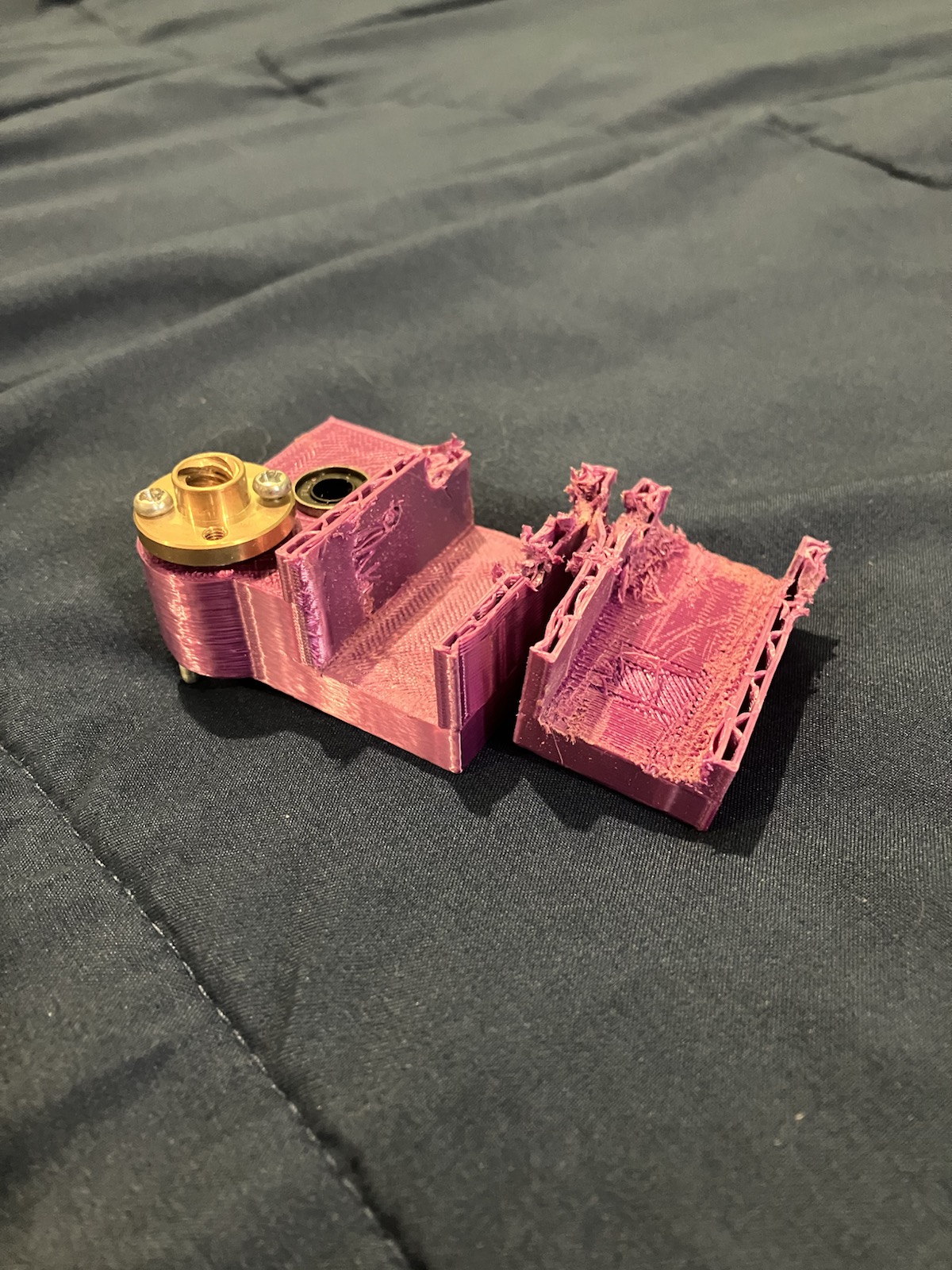
So I reprinted it with the new green plastic:
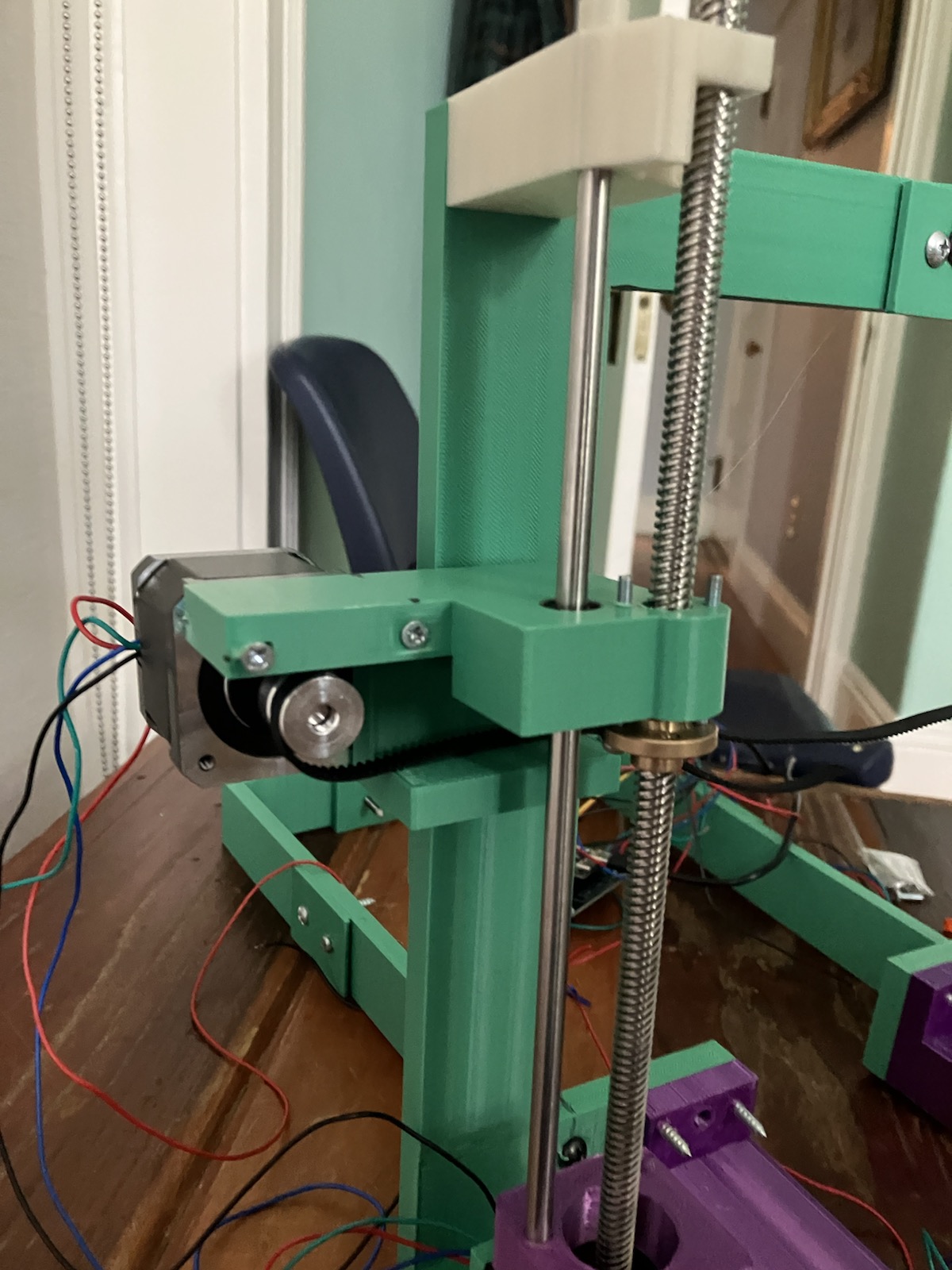
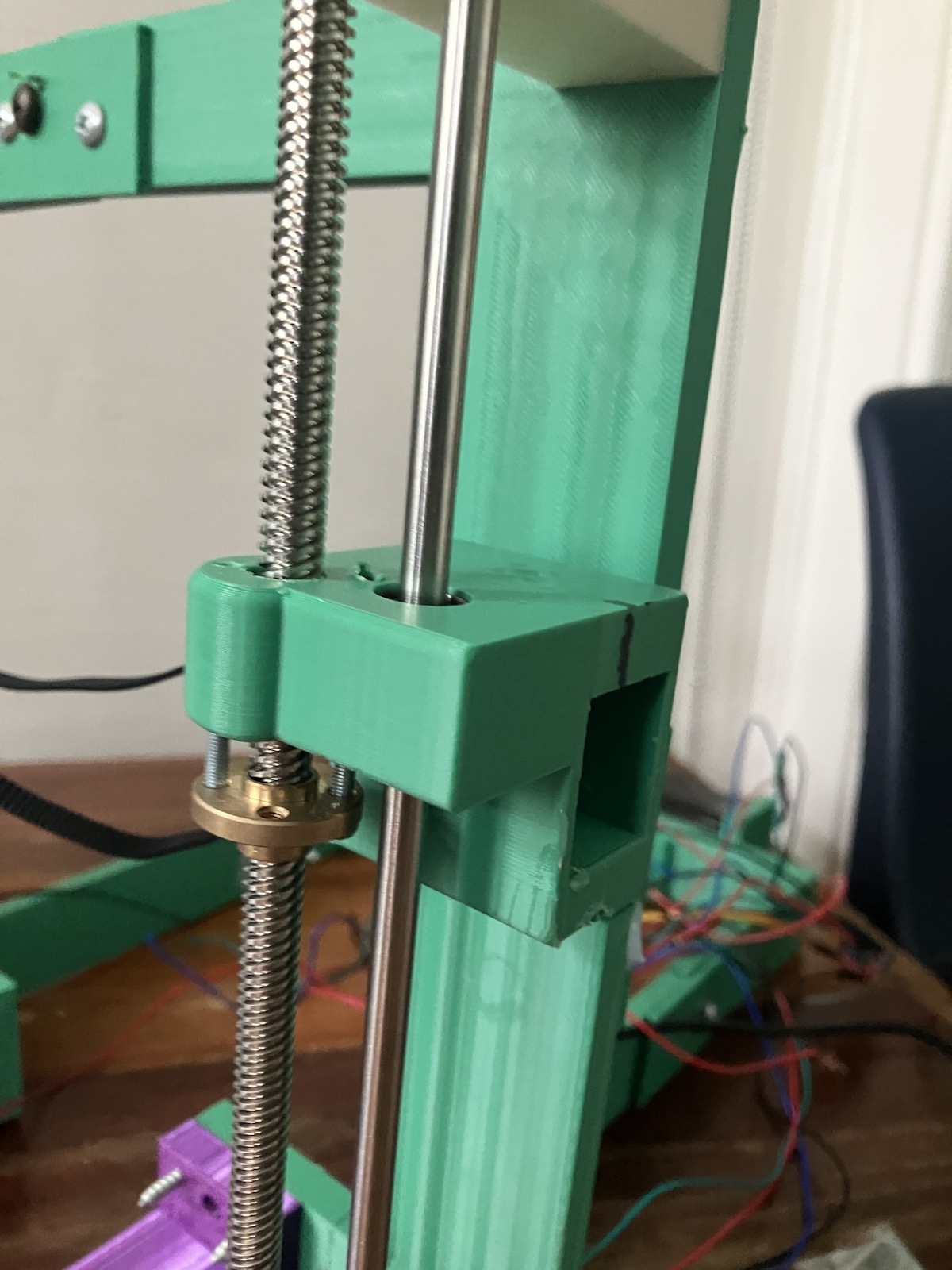
(In comparison to my old assembly this looks fresh to death, so I’m happy)
I also had to print four different versions of the Sharpie holder, because the first three had slightly off dimensions:
(You can see how the sharpie peeps out from the bottom there, this is what will do the drawing. That black strip looping to the ground is the pulley belt that will connect the motors to the Sharpie)
I even had to reprint the paper platform (to be a better design when I added the pulley belt):
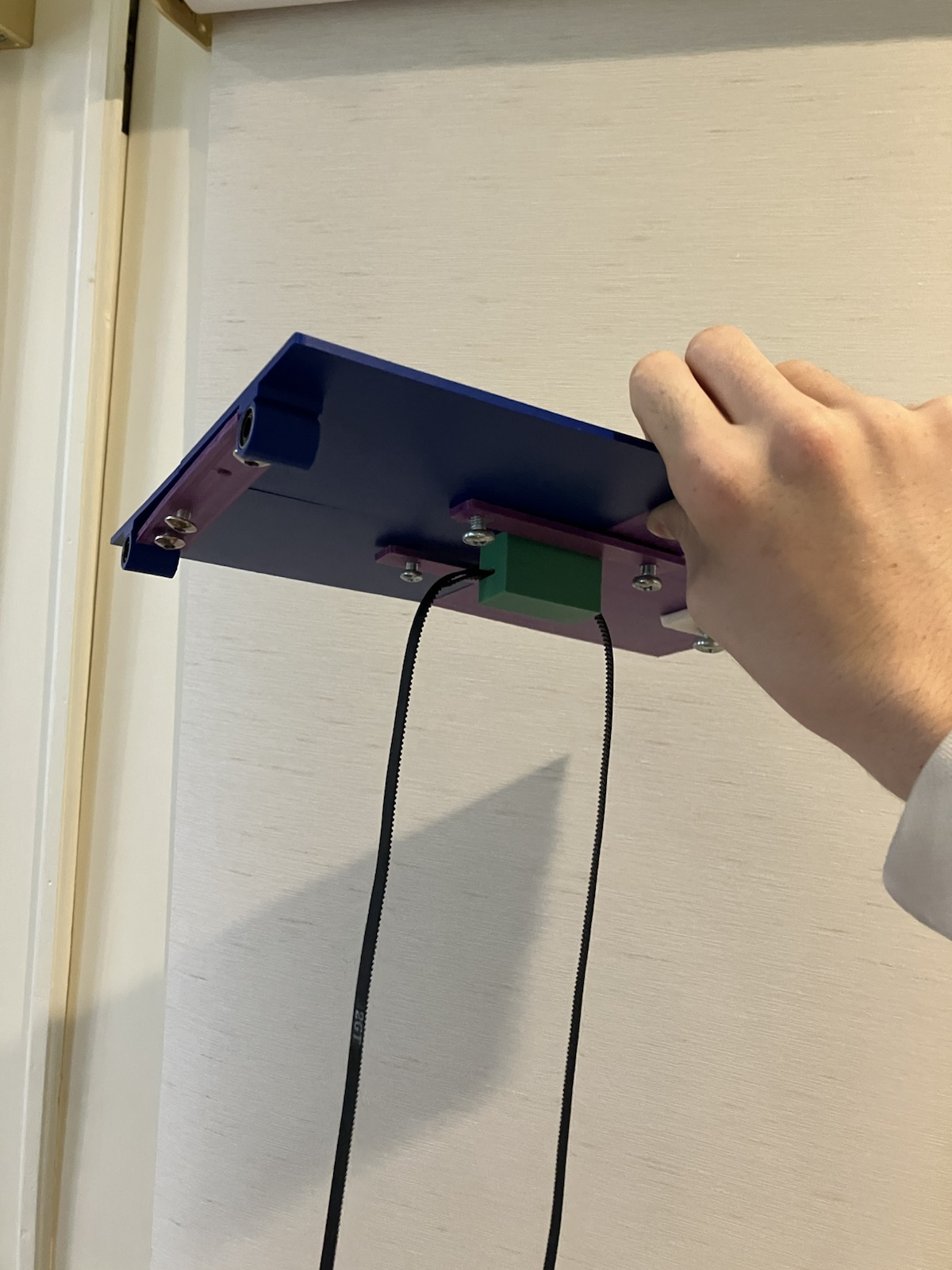
But it was worth it in the end to see my platform move by spinning the motor (with my hand):
These are all examples of how I learned the value of experimentation; I made progress a lot quicker just by trying things out instead of perfecting them on the computer first.
That was the hardware part done. It was then time for everything else
The Circuit 💀
This project involved by far the most circuitry and wiring I’ve ever done.
I first had to find a good computer board that could control my four motors (I gave them all names after all of the fun times we’ve had: X Y Z1 and Z2). I decided on the ESP32S3, and then printed a frame for it to go into:
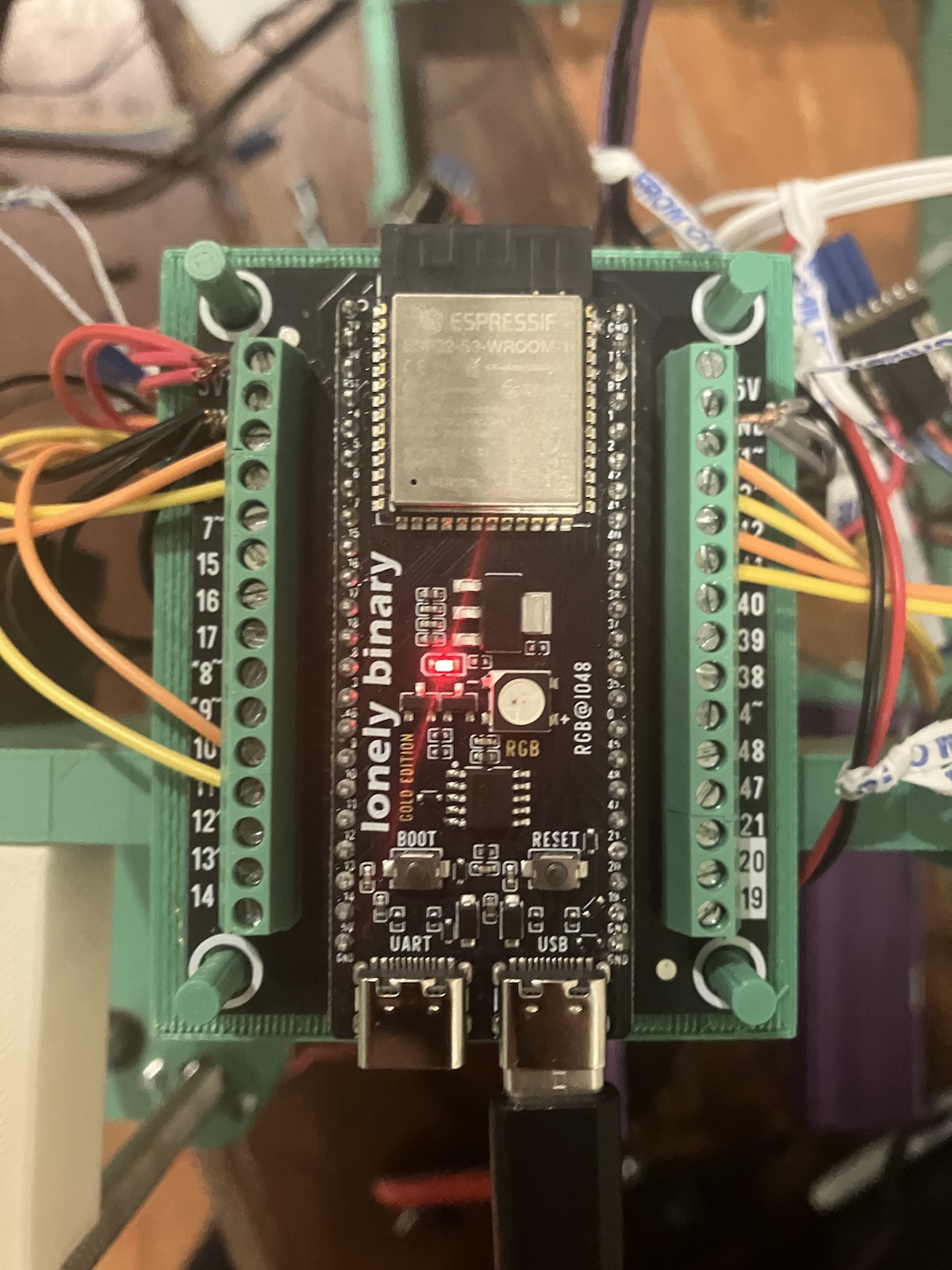
The orange and yellow wires tell the motors what direction and amount of steps to spin at. The red and black wires serve as the power for the logic going on in my TMC2209 motor drivers (four of them):
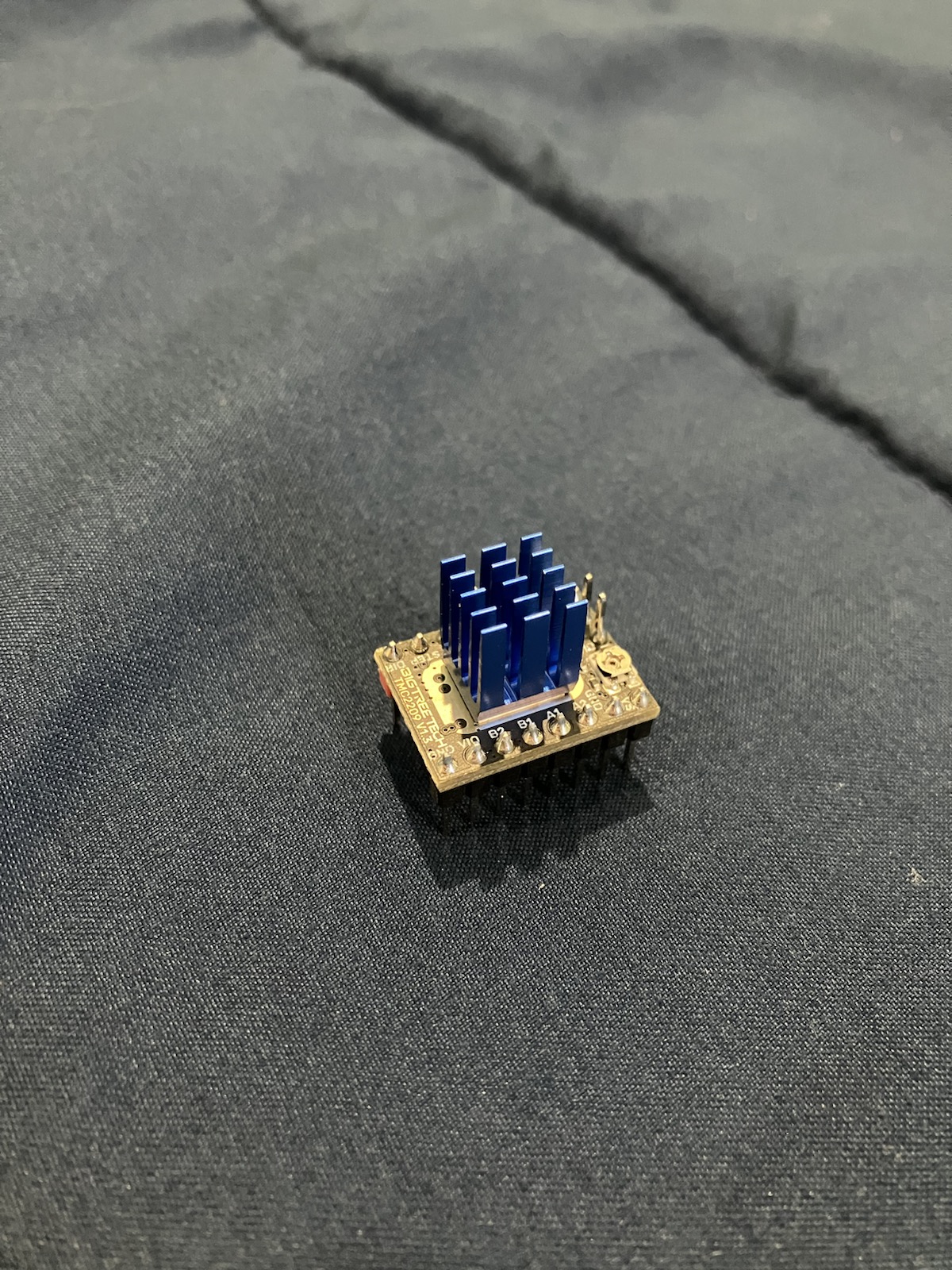
And after looking up what wires to put where (I had a lot leftover from an old project), I made my circuit connecting my power supply, drivers, motors and computer board:
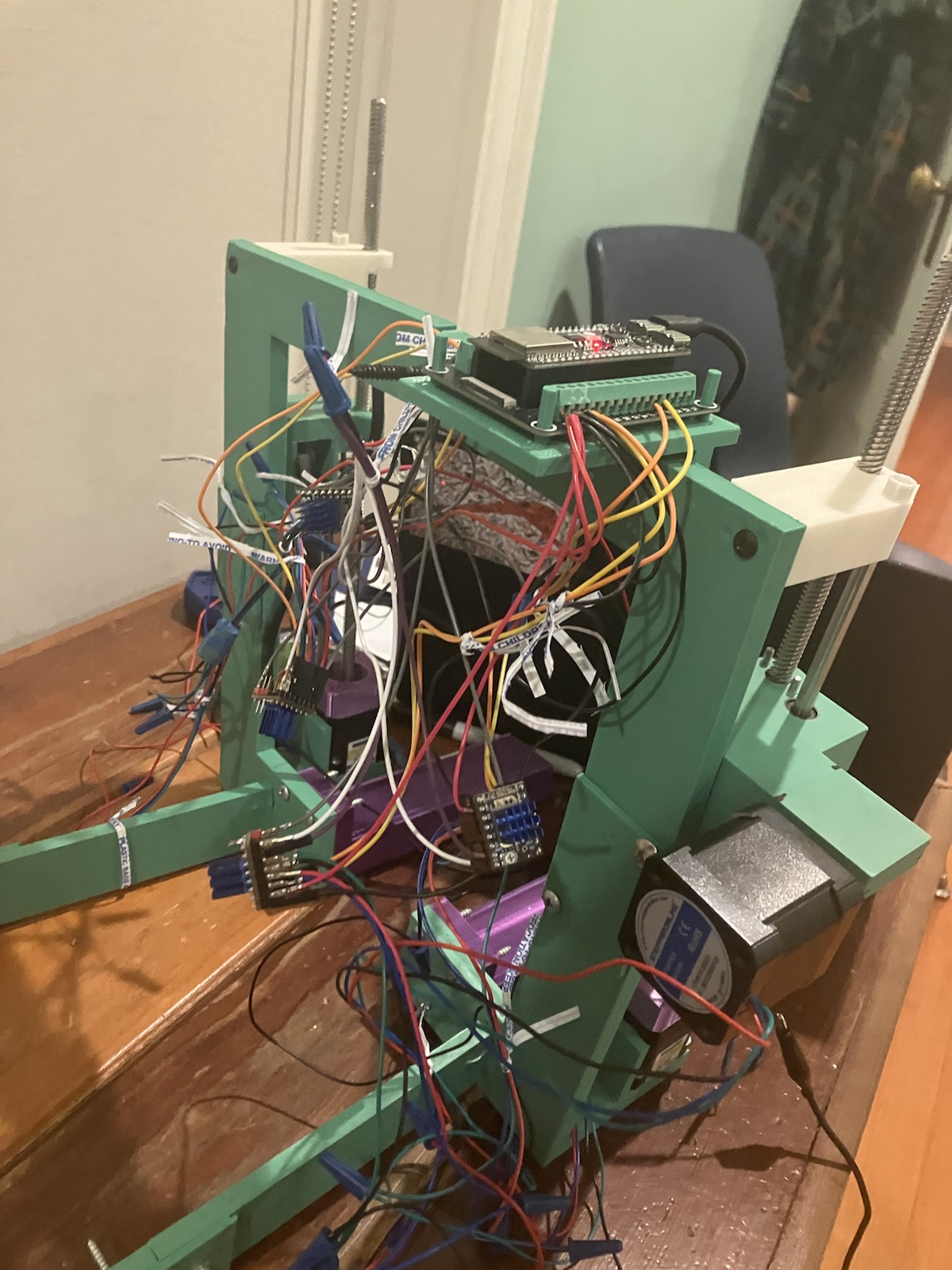
I called this a “jungle circuit” because it looked like a hot mess. I even used twist ties (what you use for bread loaves) because I thought we had no zip ties.
In theory this should’ve worked, but my motors weren’t moving when I ran my code:
So I put caps on all of the exposed copper to prevent any short circuits. Nothing. I bought screw terminals to ensure a stronger connection of wires to my drivers. Still nothing. I even took the motors off of the frame to redo the entire circuit on my desk:
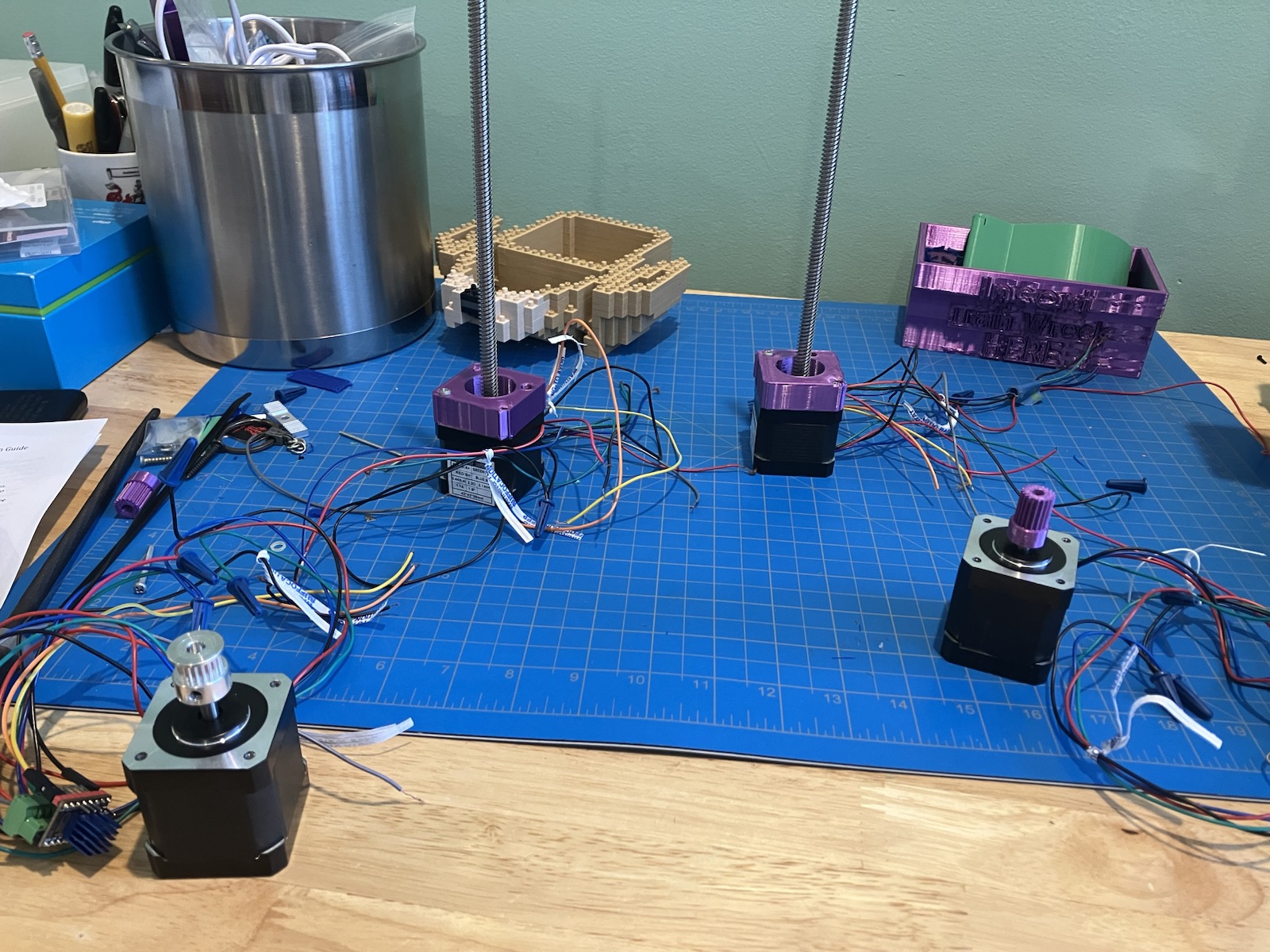
But still nothing when I put it back together. And after days of banging my head against the wall searching for a solution, I found the issue: I was using the wrong command to start my program. And so by putting in:
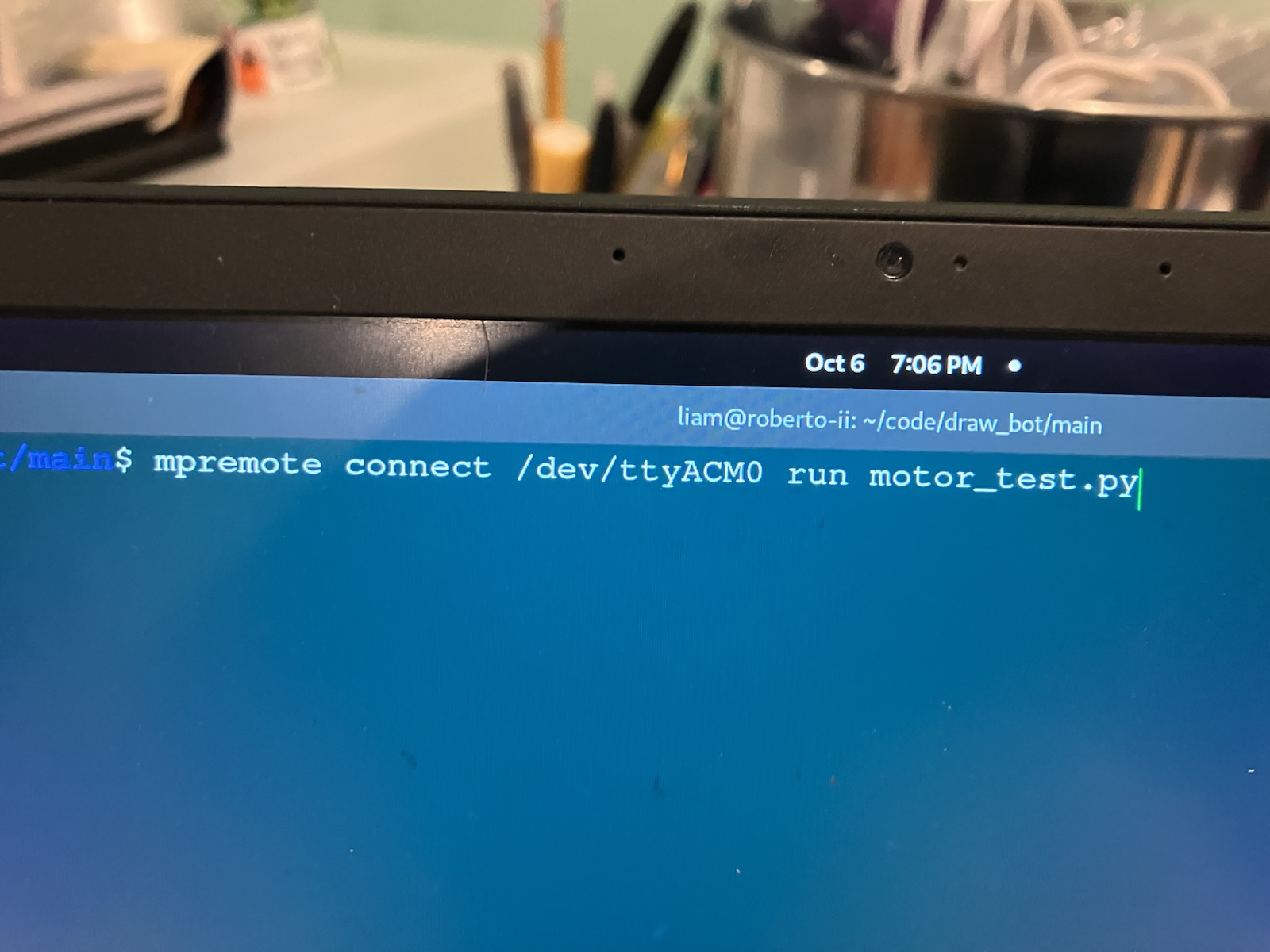
I finally got my X Motor to spin:
Even though you can’t tell in the video, I was really happy the first time it worked.
And then a little later, I got every motor in the circuit to spin:
The Tragic Aftermath
Of course-because it’s in my nature-my success was short lived. I began to zip tie the circuit very quickly, because I wanted to make it as stable and portable as possible (to get it from my desk to DrawBot’s frame).
But sometime in that process, I either plugged in the board to my computer wrong or the wrong wires touched, because the board began to heat up very quickly whenever connected to any power.
Because my board is probably broken, I ordered another one which should come in on Sunday.
And that brings us to today (Saturday). Work that I still need to do includes fixing the circuit, moving it back into the frame, cleaning it up with zip ties and making the code to make the pen follow the sheet marking coordinates.
Conclusion
The DrawBot is giving me lots of practice in multiple kinds of engineering, making it by far the biggest project I’ve ever done. I’ve learned about